Getting Started
New to Knotless? Set up your account and learn your way around.
Knotless is a booking platform for wedding and event providers: hair stylists, make-up artists, photographers and anyone else who works on the day. It keeps your enquiries, bookings, clients and client emails in one place.
Getting Started
New to Knotless? Set up your account and learn your way around.
Bookings & clients
Enquiries, bookings, client records and the AI assistant.
Communications
Email templates, client pages, checklists, workflows and everything you’ve sent.
FAQ & Support
Answers to common questions and troubleshooting tips.
Keep every enquiry and booking in one place, split into Enquiries, Upcoming, Needs update, Past, Closed and All. See them in a list, on a calendar or on a map, and search by client or venue.
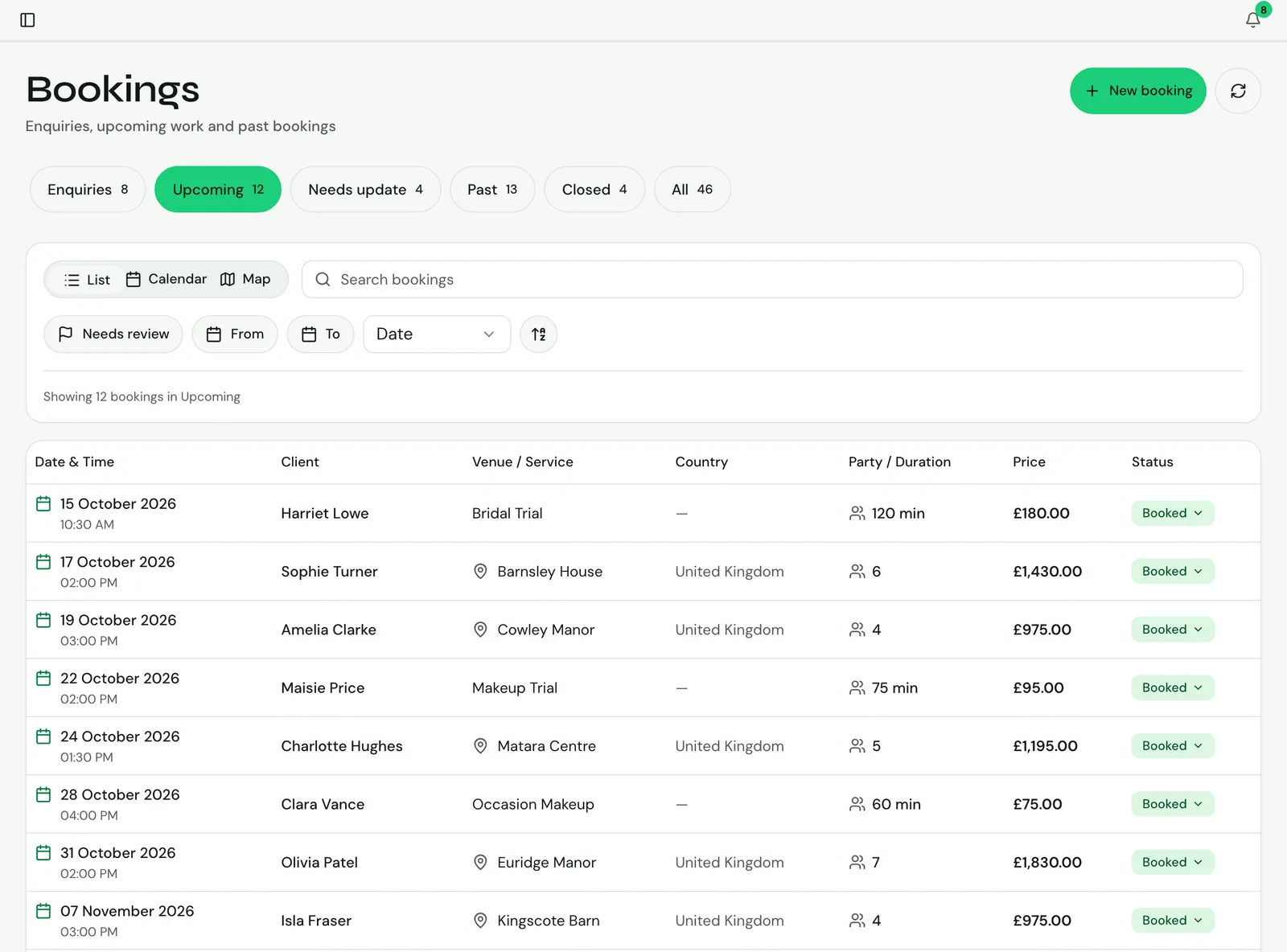
Share a public enquiry page, embed the form on your website, or connect a form you already use. New enquiries land in Bookings, ready to reply to. See Enquiry forms.
Every client you’ve worked with, with their bookings, notes, health and patch test details, and history. See Clients.
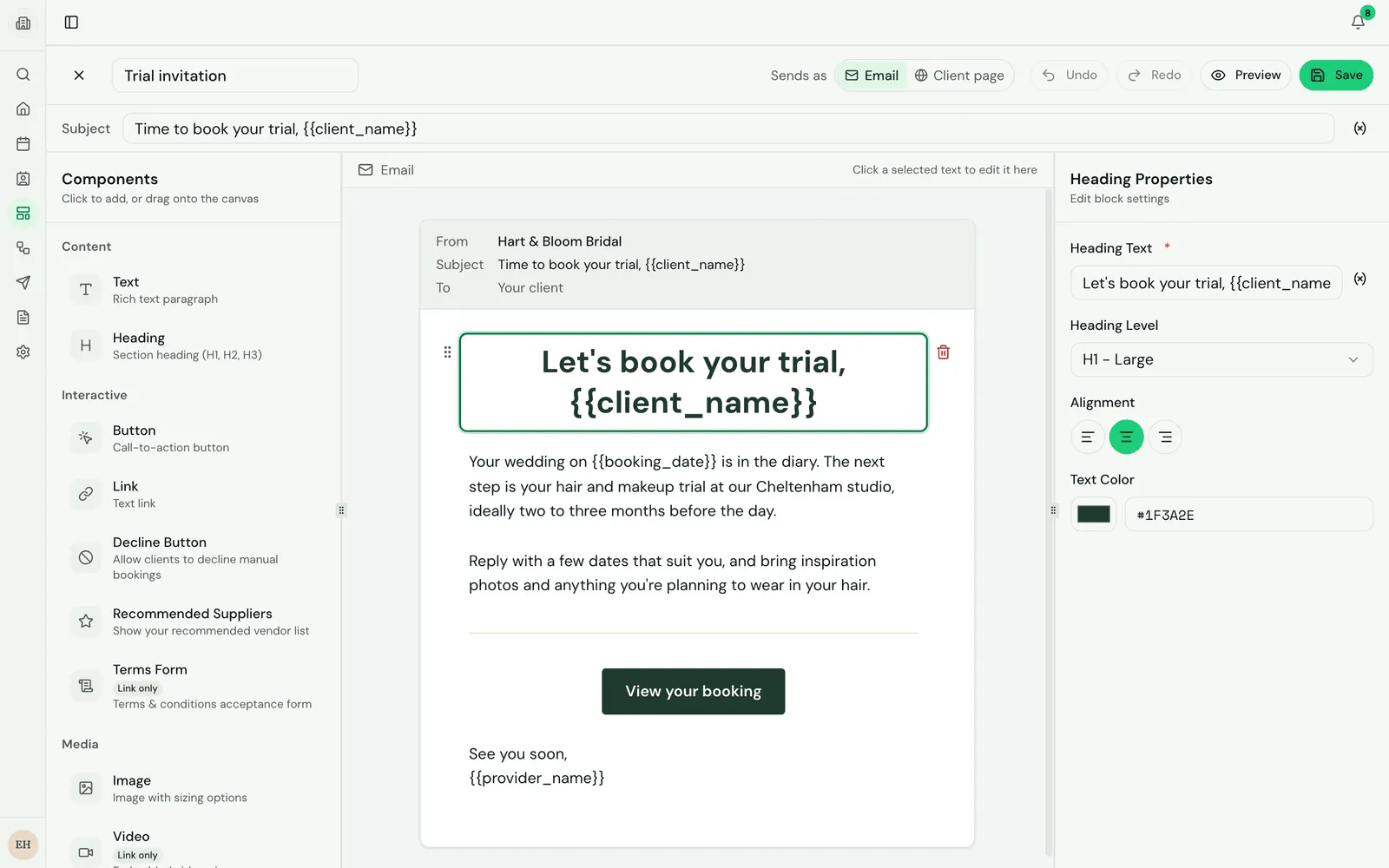
Make emails with the drag-and-drop builder. Use blocks for text, images, buttons and more, and merge fields that fill in each client’s details when you send.
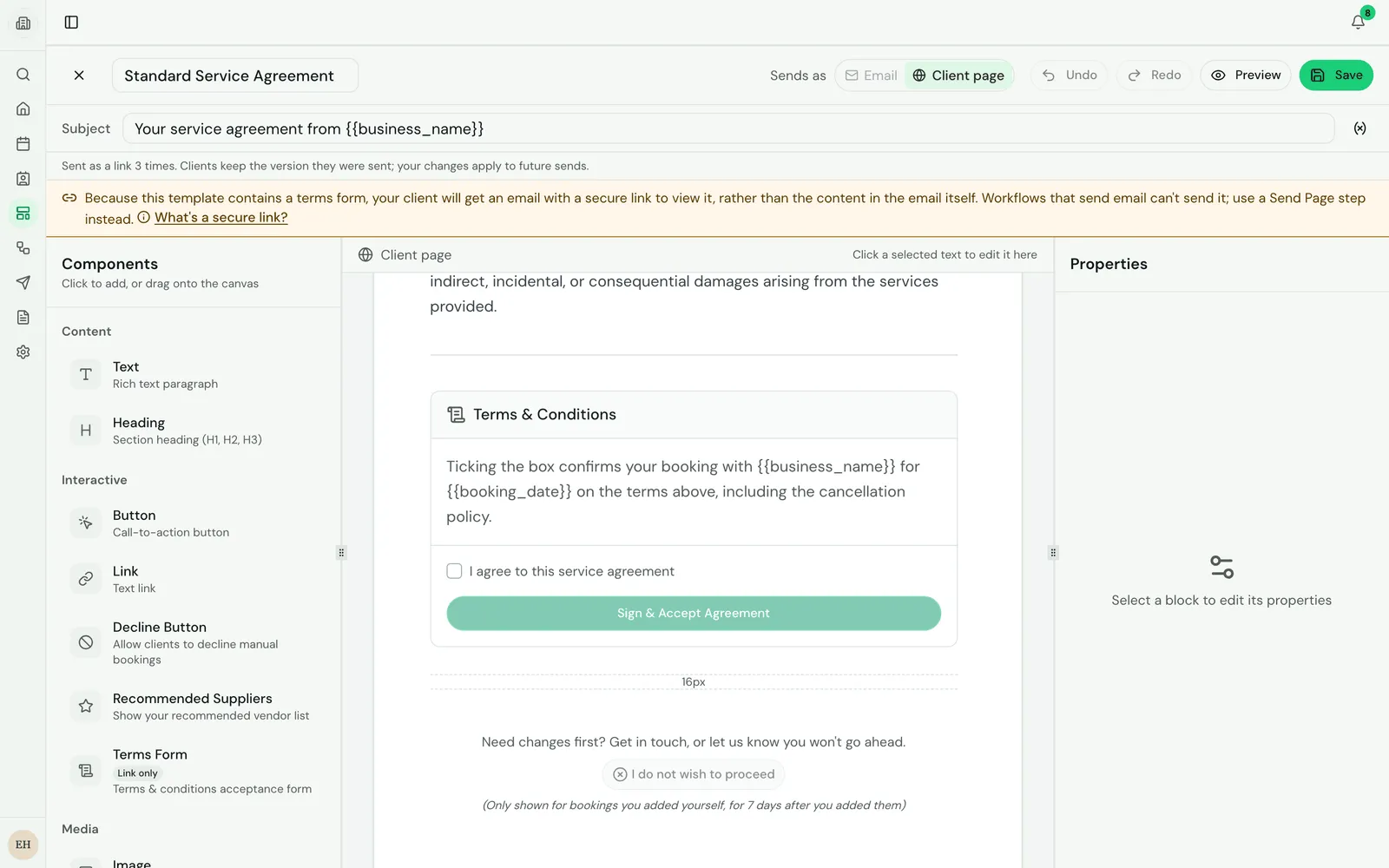
Build proposals, agreements and welcome packs your clients open from a secure link. Add videos, a terms form they accept on the page, and your recommended suppliers. See Client pages.
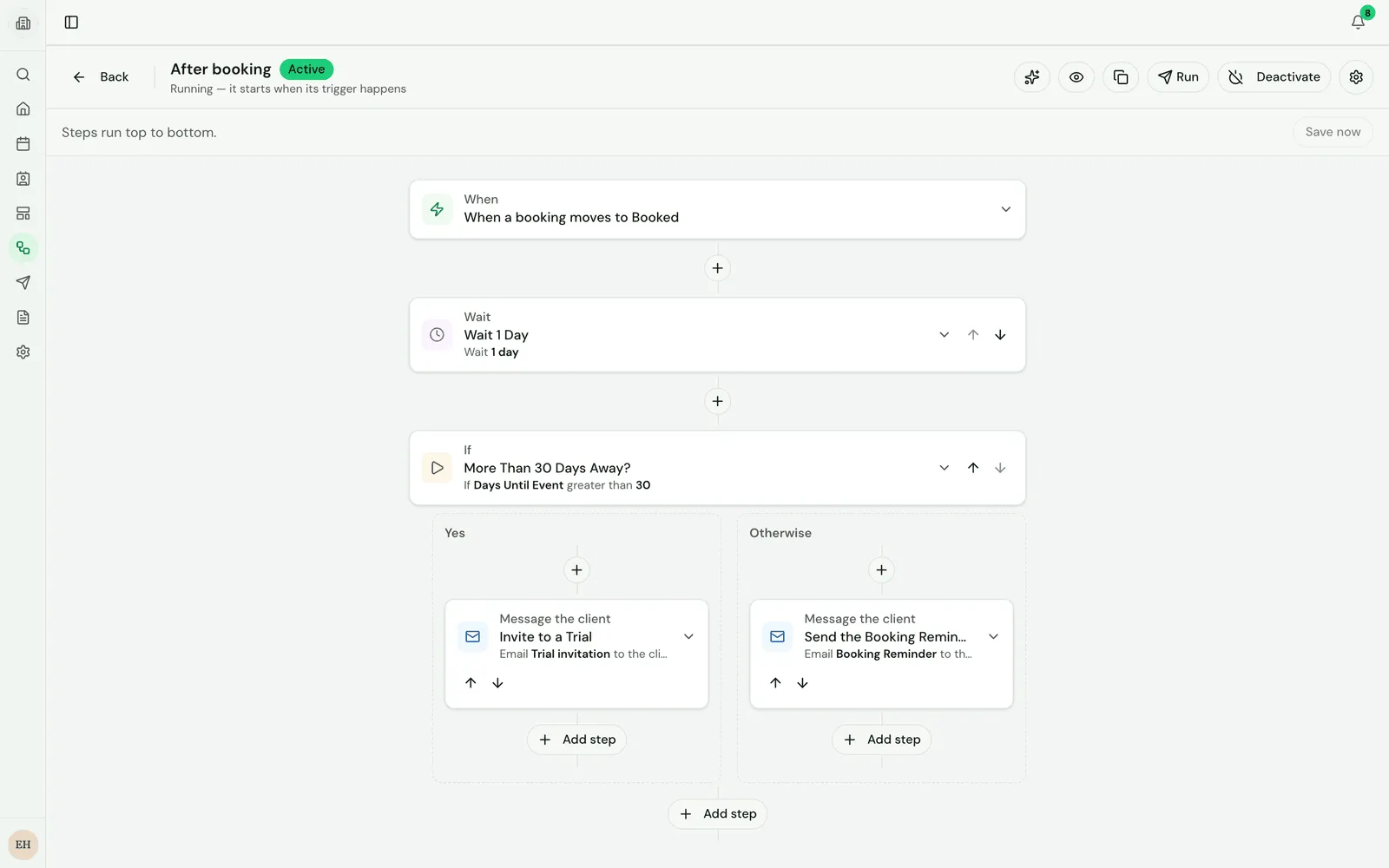
Set up workflows that send emails and update bookings for you when something happens. Add waits and If blocks with two paths, or describe what you want and let the AI assistant build it.
Ask about your bookings, clients and figures, or how to do something in Knotless. See AI assistant.
On the Team plan, share one workspace, let clients choose who they’d like, and ask your team members to take bookings in turn. See Team setup.
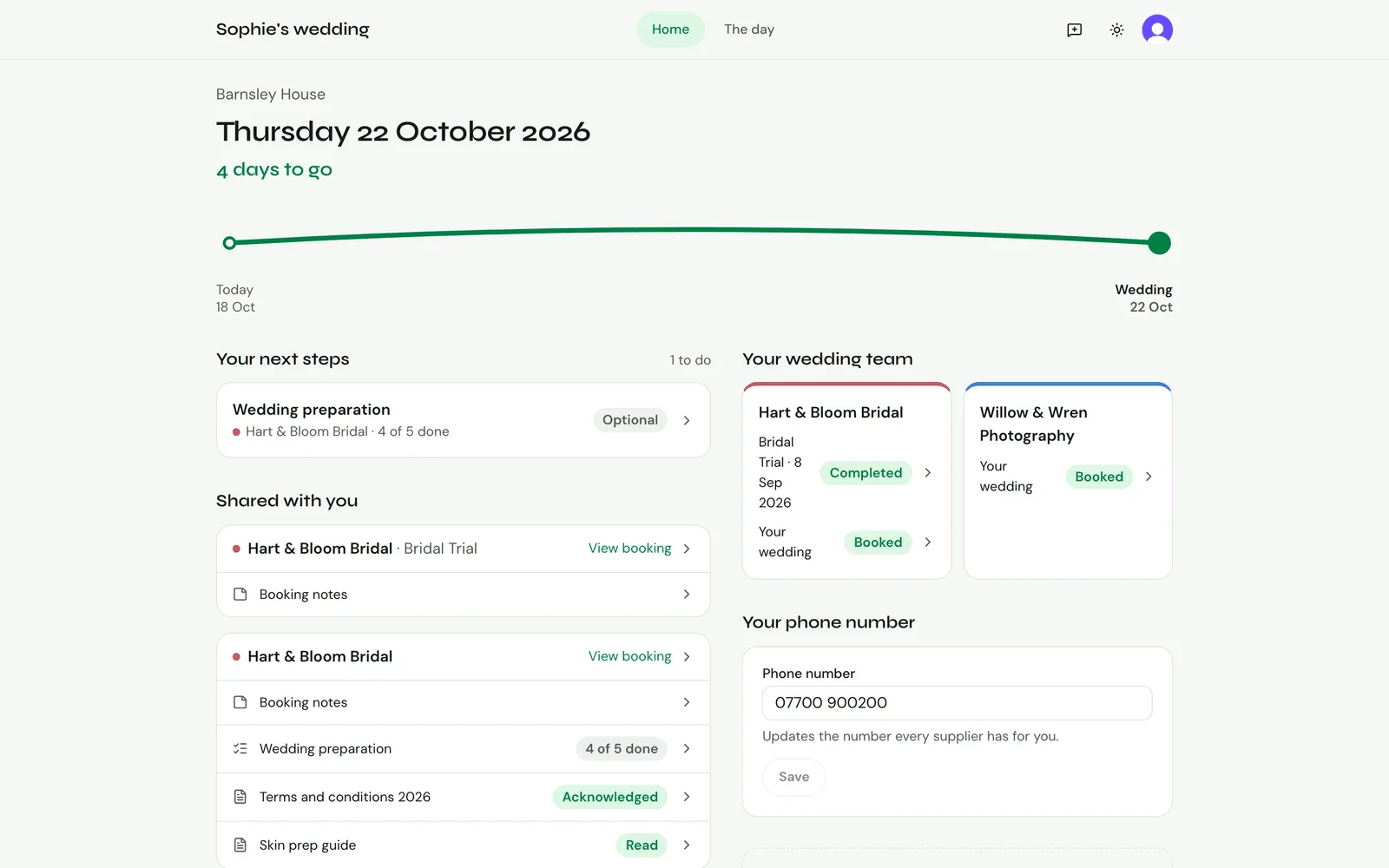
Your clients get their own place to see their wedding team, their next steps and the day’s timings, across every provider who uses Knotless.
Can’t find what you’re looking for? Check the FAQ or email hello@knotless.co.uk.