Client Portal
Knotless provides a dedicated client portal where your clients (brides, grooms, event organisers) can log in and see all their bookings and vendor recommendations in one place.
What is the Client Portal?
Section titled “What is the Client Portal?”The client portal is a separate dashboard designed for your clients. When a client signs in, they can see:
- All their bookings from different providers on Knotless
- Recommended suppliers shared by their providers
- Booking details including dates, venues, and status
{/_ TODO: Screenshot of the client portal dashboard showing the bookings tab /} {/ Preferred filename: client-portal-dashboard.png _/}
Client Sign-In
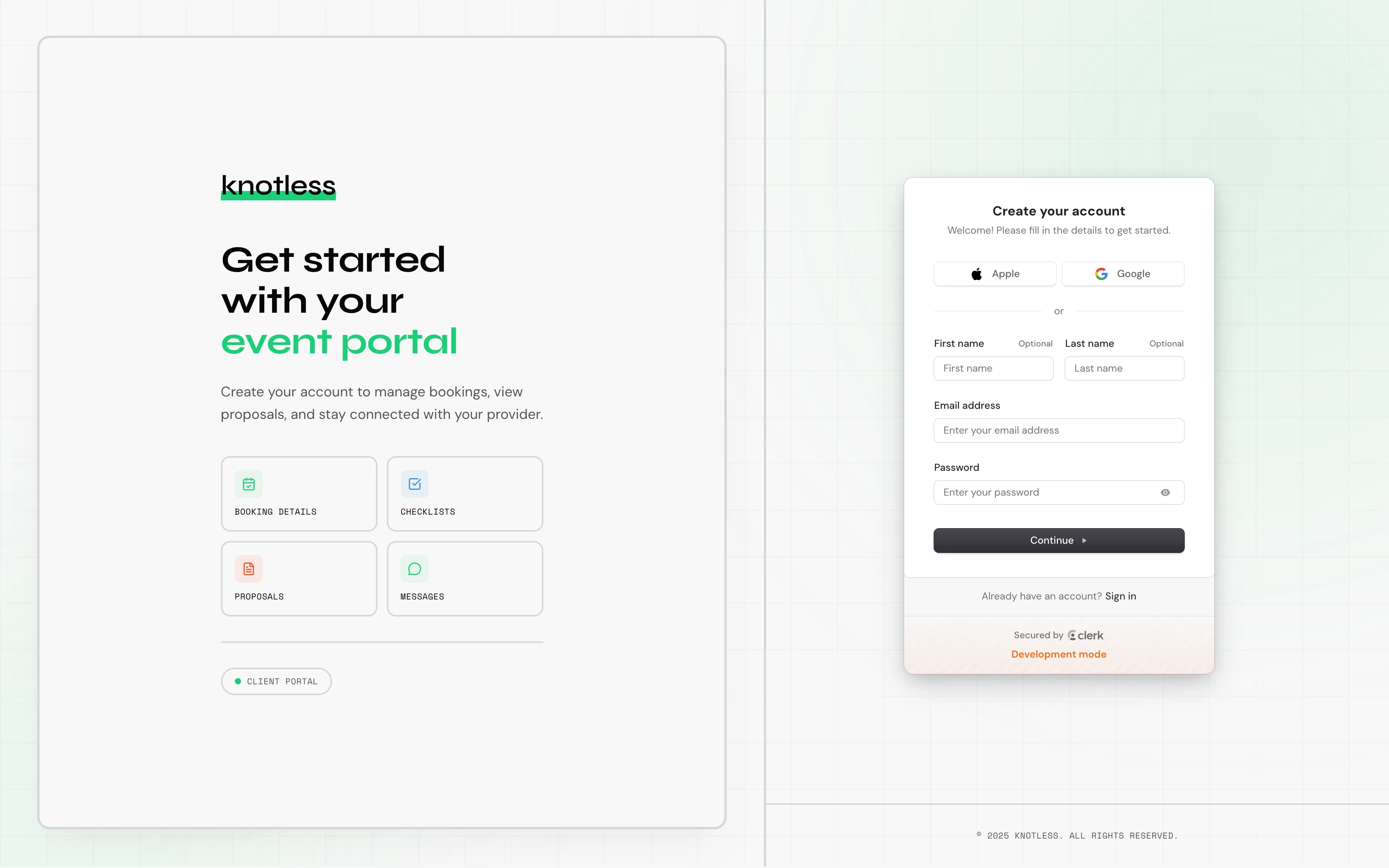
Section titled “Client Sign-In”Clients have their own sign-in page separate from provider accounts:
- Clients visit the client sign-in page
- Sign in with their email
- They’re taken to their client dashboard
Dashboard Tabs
Section titled “Dashboard Tabs”Bookings
Section titled “Bookings”The bookings tab shows all bookings associated with the client’s email across all providers. Each booking card shows:
- Provider name
- Event date and time
- Venue
- Status
- Pricing information
Clients can click on a booking to see full details.
{/_ TODO: Screenshot of the client booking detail view /} {/ Preferred filename: client-booking-detail.png _/}
Recommendations
Section titled “Recommendations”The recommendations tab shows supplier recommendations shared by their providers. Clients can browse recommended vendors by category.
{/_ TODO: Screenshot of the client recommendations tab /} {/ Preferred filename: client-recommendations-tab.png _/}
How Clients Get Access
Section titled “How Clients Get Access”Clients gain access to the portal automatically when:
- You create a booking with their email address
- They receive a shared link and create an account
- They sign up directly on the client portal
No action is needed from you to set up client access. The portal is available to all clients.
Next: Learn about Enquiry Forms that let new clients reach out to you.