Appearance
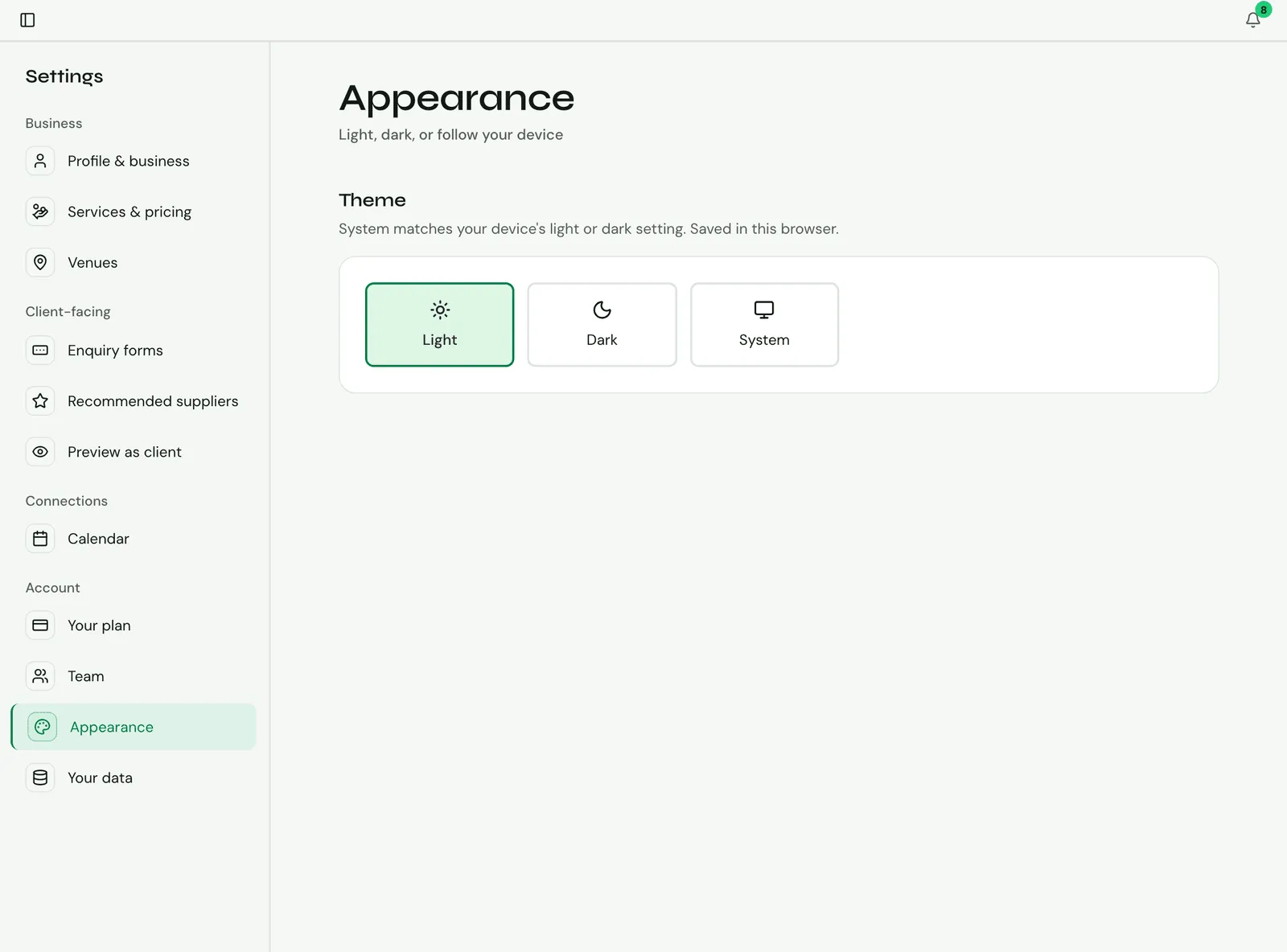
Go to Settings → Account → Appearance and choose a Theme:
- Light
- Dark
- System: matches your device’s light or dark setting.
The change applies straight away. It’s saved in the browser you’re using, so you can choose differently on your phone and your computer.
Pages your clients see, such as your enquiry page and shared client pages, always show in light mode.